Year: 2002   (from newest to oldest)

New DVD Database

New DVD Database. Sure, my list is still about 2 years out of date, but it has never looked so good! Mostly as a learning exercise, I have written a new PHP and MySQL -based DVD database system. Check it out here or read more about it here. [Minor update: My DVD list is now up-to-date]

The kids got their school photos back today

Holly's Second Grade School Photo (2002).jpg (67589 bytes)Andrew's Fifth Grade School Photo (2002).jpg (44607 bytes) The kids got their school photos back today. Possibly the last photo taken of Holly with her long hair and you can’t even tell it’s long! (Click here if you haven’t seen her new short haircut.) As usual, Andrew is wearing his red “power tie” and looking way more mature than I feel comfortable with. Click these images to see a larger-sized shot.

Fall Photo Practice Session

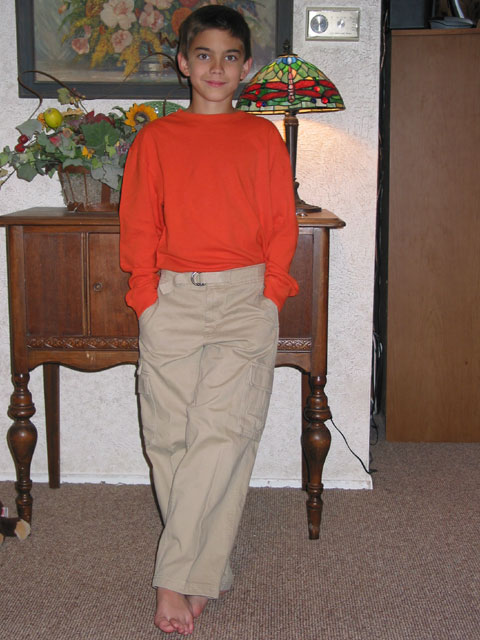
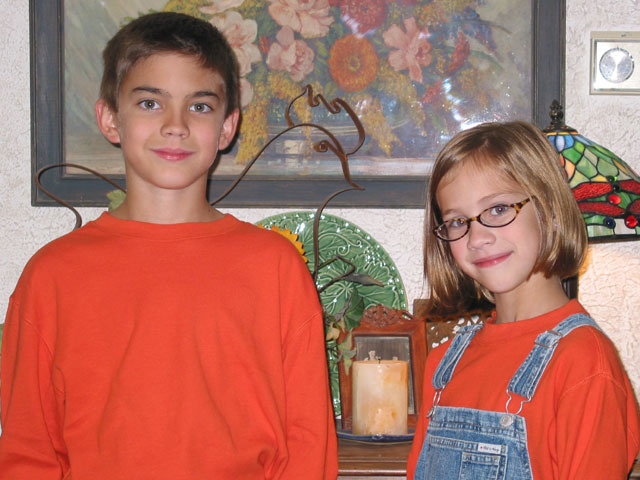
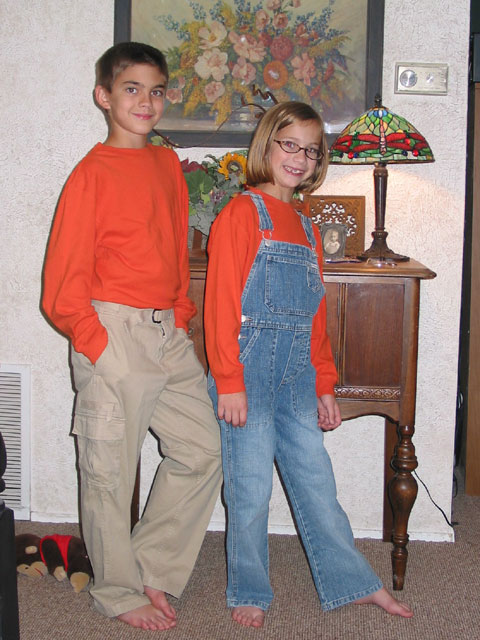
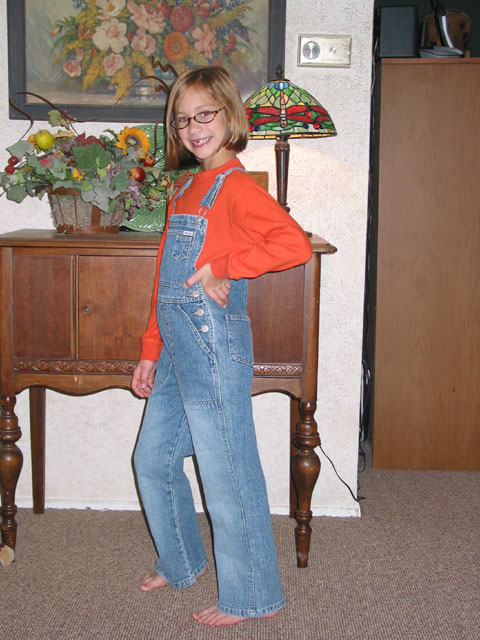
Fall Photo Practice Session. Michelle dressed the kids in their “Fall 2002 Studio Photo” clothes and took some practice shots. After seeing how good a couple of these are, I’m wondering if we even need to go to the studio. Sure we need to hide the electric cords or maybe find another spot altogether, but I really like these photos! Now I just need to buy some 8×10 photo paper for the new printer. As usual, click the small images to see a larger-sized shot.


Andrew - Full Body Shot.jpg (72761 bytes)

Andrew and Holly - Closer up.jpg (74880 bytes)

Andrew and Holly - Full Body Shot.jpg (85036 bytes)

Holly - Full Body Shot.jpg (85479 bytes)


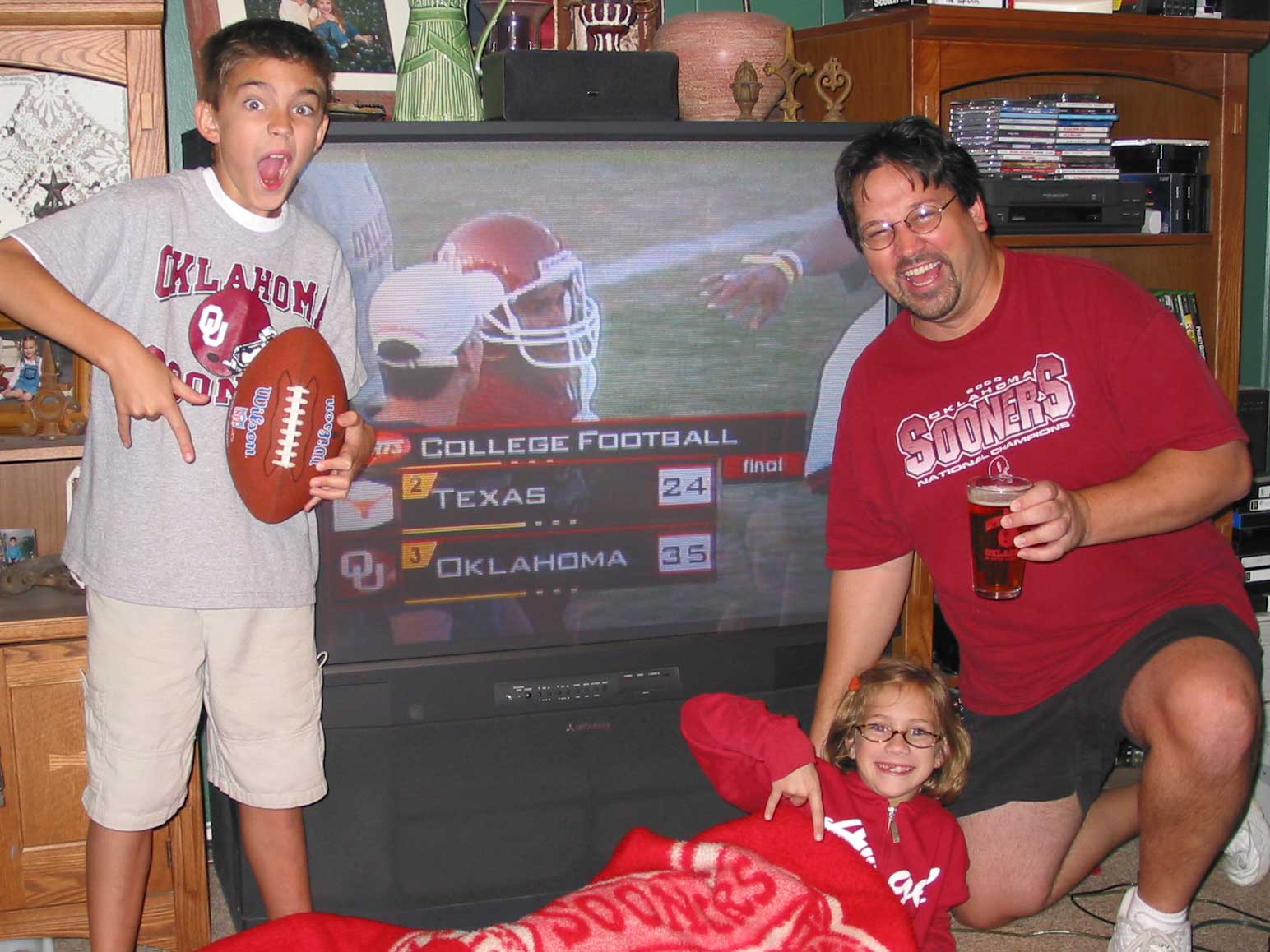
OU 35, Texas 24


OU-35-Texas-24--2002-.jpg (162460 bytes)
OU 35, Texas 24 !!!  
‘Nuff said.

Holly’s New Haircut

Holly’s New Haircut! I hated to see it go, but Holly’s long luxurious hair is history. Fed up with tangles and strands falling into bowls of Fruity Pebbles, Michelle finally convinced Holly to get chopped. I personally liked her long hair and would’ve liked to see her keep it, but as you might have guessed she’s still as cute as ever! 

I’ve been promising some pictures of the new haircut for a couple of weeks now, and finally, here they are! Click here to see the full gallery.


Coming soon: Holly’s New Tooth. (Hopefully, someday)

New Printer


i550New Printer.
After months of procrastination, we finally picked up a new printer (our HP 712C had perished in a nasty fall).  After reading every review I could get my hands on, I had decided on the Canon S750, but after trips and calls to all the stores around town, it turned out that it was last year’s model, and I couldn’t find it anywhere. I did see that the new Canon models were starting to show up, and even though I hadn’t read a single review on the new “i” series, I went ahead and picked up the Canon i550 Color Bubble Jet Printer. (Fry’s price: $150)

It was weird throwing my research out the window like that, but I definitely don’t regret it. This thing is FAST for text, and borderless 4×6 photos are indistinguishable from anything we’ve had developed at Eckerd’s. I still need to pick up some full-size photo paper to give larger prints a try. One cool feature of the Canons is that the colored ink comes in 3 separate tanks, so if, for example, you run out of blue ink, you only have to replace the blue tank, instead of possibly throwing away a cartridge still partially filled with yellow and magenta.

Maybe it’s standard these days for printer drivers, but I’ve found this one to be especially cool. Not only do you set all the options as to what you’re printing and what type of paper you’re using, but there are neat options like being able to print several miniaturized pages on one piece of paper (2, 4, 6, 9, or 16). I’ve saved tons of paper already. You can also do poster, banner, and booklet printing without needing any other special software. It’s all built in to the driver. 

Bottom line: 5 stars. Bruce says,  “Check it out.”

Updated Advice Page

Updated Advice Page. New table of contents, Q&As about DVDs to show off your system, and software utilities to make your computing life better. [Not worth a new entry, but on Oct 1st, I also added a new Q&A about digital camera reviews and where to buy.]

HTPC Update and new Hardware Page


HTPC Update and new Hardware Page
The HTPC update lists new hardware I’ve procured since I originally built the system and new software tools I’ve started using lately. The hardware page is basically a home inventory to supplement a video taped walkthrough of the house for insurance purposes. It includes a list of our computers, home theater components, and miscellaneous electronics.

Even cooler new menu

Even cooler new menu. Did I say I had a cool new menu yesterday? Well forget that low-tech piece of junk. Check out the new beauty on the left of the page. The mouseovers still work for highlighting a menu selection, but now there are popup sub-menus for several of the main menu entries. Setting it up wasn’t too difficult as I already had the main button graphics. I just had to decide on foreground and background colors for highlighted and non-highlighted menu selections, and define all the links for the main menu and sub-menu entries. The straight text sub-menus look reasonably good, but I may still make new images for them at some point.

The scripts that do this are freely available by clicking here.

major site overhaul

A major site overhaul has taken place. You might not be able to tell at a glance, or even by navigating around the site. I have gotten rid of the “frames”, put everything into a more sensible directory hierarchy, and now almost every page is in its own directory and is an index.html file instead of having dozens of pages in the root directory like photoPage.html and the like. I also added the main navigation menu to most all the pages. That way direct links (like www.brucearmstrong.net/htpc) also have the menu instead of appearing to be a standalone page with no navigation back to the main site.

The menu is somewhat cool in that it auto-scrolls to stay visible as you work your way down a page. I hope to make it cooler with smoother animation when I learn a bit more about DHTML programming.

Lastly, I have moved the older “Site News” entries to an archive, so the main page will load faster, and now get to the good stuff quicker by moving the little intro story to a new “About” page.